RapDuo's STORM II AI generator turns one portrait into a formation video: your calm lead in the foreground and an AI-generated crowd moving together behind them. The preset handles the group, movement and camera direction. Your MP4 includes original generated audio.
Updated
The standing-still crowd dance
The STORM II AI crowd dance is built around a visual contrast: one calm person at the center while rows of dancers move together behind them. RapDuo creates that contrast from your portrait, with a clear lead and generated background performers.
Choose this effect for a dramatic entrance or a social post with group energy. One portrait supplies the lead; you do not need a crowd photo or a filmed dance.
Put yourself standing still in front of a dancing crowd
Your portrait is the focal point while the background group supplies the motion. For a reaction clip or a dramatic entrance, that contrast should be readable before anyone knows the trend's name.
Use the public sample to judge the scale of the group and the separation around the lead. Play with sound first, then briefly mute it to see whether the visual contrast still reads. For a short social post, viewers should be able to find the lead without searching through the crowd.
| Effect you want | Where the movement comes from |
|---|---|
| Still lead, moving crowd | A composed foreground lead with a coordinated background group; choose STORM II. |
| Solo dance | The featured person performs the dance. |
| Clone dance | Repeated versions of the same subject perform together. |
A still lead and moving rows in a vertical frame
The vertical sample was generated from the single black-shirt portrait shown beside the video. The lead stays in place with relaxed hands while the background rows repeat a shared forearm movement. The camera keeps the full lead and the formation visible in one 9:16 shot.
The input photo
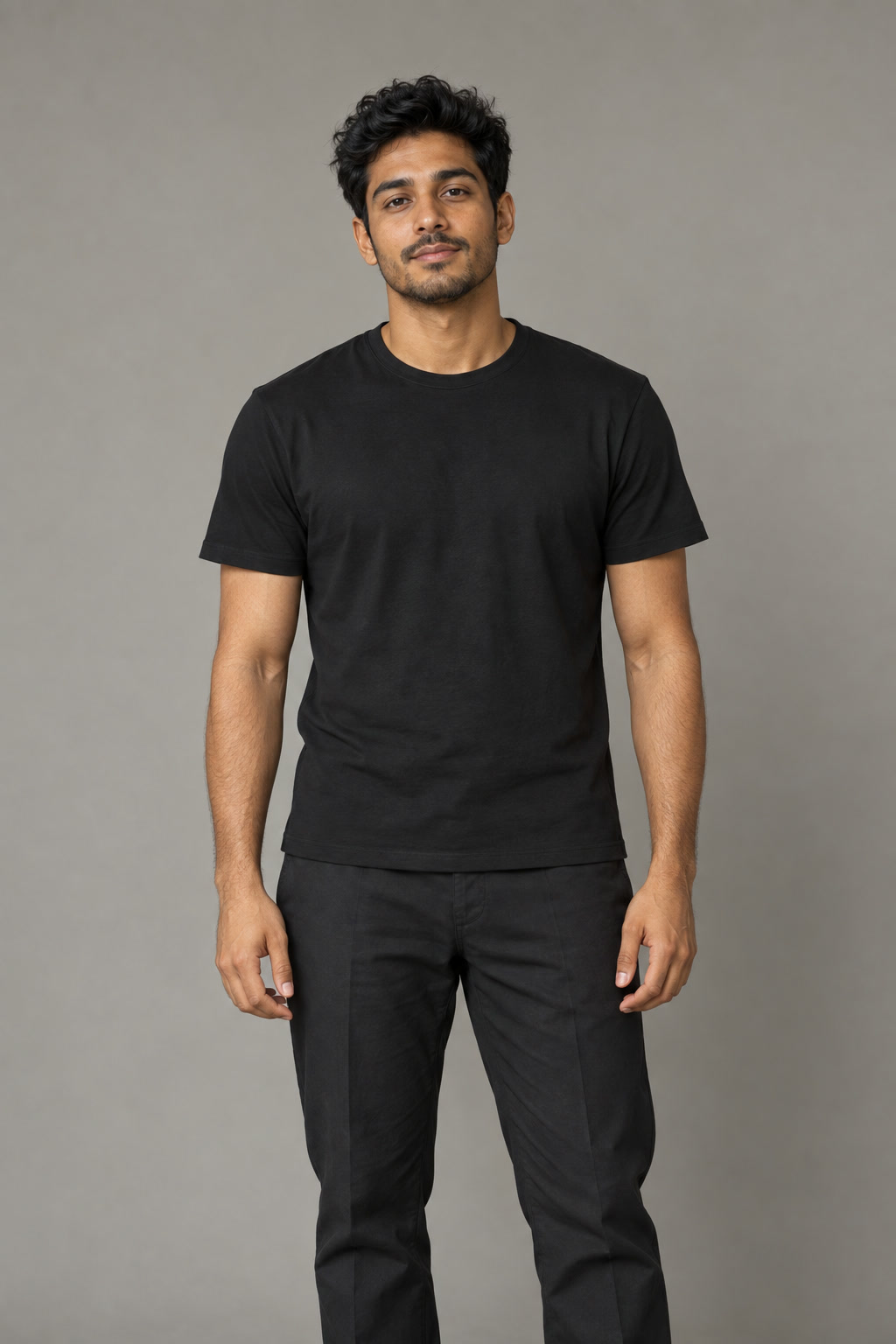
Fictional AI-generated subjects. These ordinary photos were processed with the same photo preparation and generation preset used by the creator.
| Setting | Vertical sample and current page default |
|---|---|
| Model | Pro / Seedance 2.0 |
| Quality | 720p |
| Length | 8 seconds |
| Frame | 9:16 vertical |
| Generation cost | 14 credits; review the quote before confirming |
A second portrait with glasses
The second vertical setup uses the indoor portrait of the adult wearing glasses and a navy T-shirt. It uses the same one-photo STORM II workflow, with Pro / Seedance 2.0, 720p, 8 seconds and 9:16.
In this take, the lead remains planted with relaxed hands, and the glasses, navy shirt and beige trousers stay recognizable. A small indoor group repeats raised-arm movements behind him. The group is smaller than the stepped formation in the first vertical sample.
The input photo
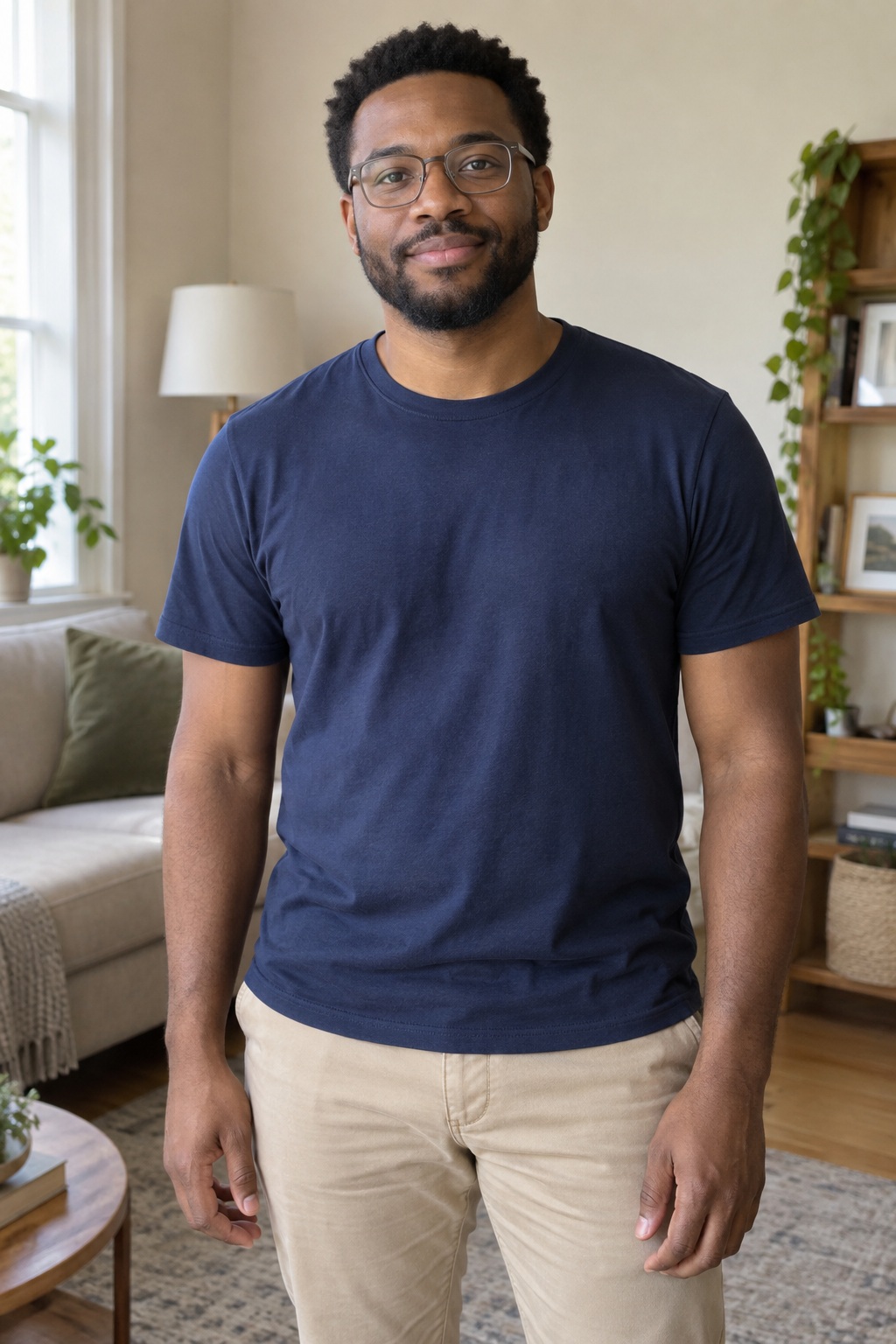
Fictional AI-generated subjects. These ordinary photos were processed with the same photo preparation and generation preset used by the creator.
Upload the person in the foreground
Upload a clear JPG, PNG or WebP up to 10 MB. Use the original photo with good light and a visible face.
- Use one photo of one person. Their face should be sharp, evenly lit and clearly separated from the background.
- Choose a natural front-facing pose with the shoulders visible. Give the central subject a clear outline.
- Avoid extra faces, overlapping bodies and heavy filters. You do not need to photograph a crowd or perform the dance yourself.
- Upload a portrait you have permission to use. The background dancers are generated characters.
Create your formation video
Choose 5, 8, 10, 12 or 15 seconds and a 9:16, 1:1 or 16:9 frame. Standard, Fast and Pro currently offer 720p; Ultra offers 480p or 720p. The generator shows the credit cost for your settings before you confirm.
Add the lead portrait
Upload one reference in the creator above. The STORM II formation preset is already selected.
Choose room for the crowd
Select a format for your destination. Vertical keeps the lead prominent; a wider frame gives the formation more space at the sides. Set your duration and available quality.
Review, generate and download
Sign in and check the credit quote before confirming. Follow generation in your account and download the completed MP4 when ready.
Start with the wide sample settings
The wide public sample was generated from the solo portrait shown on this page using the previous STORM II formation direction. It is retained as a landscape example. A wide frame leaves room to see the central lead and several rows together.
Choose 9:16 for a vertical post or 1:1 for a square composition. Check the dancers near the edges when reviewing that framing. Model and format choices can change the result; compare your take with the wide sample rather than expecting identical choreography.
Reference photo
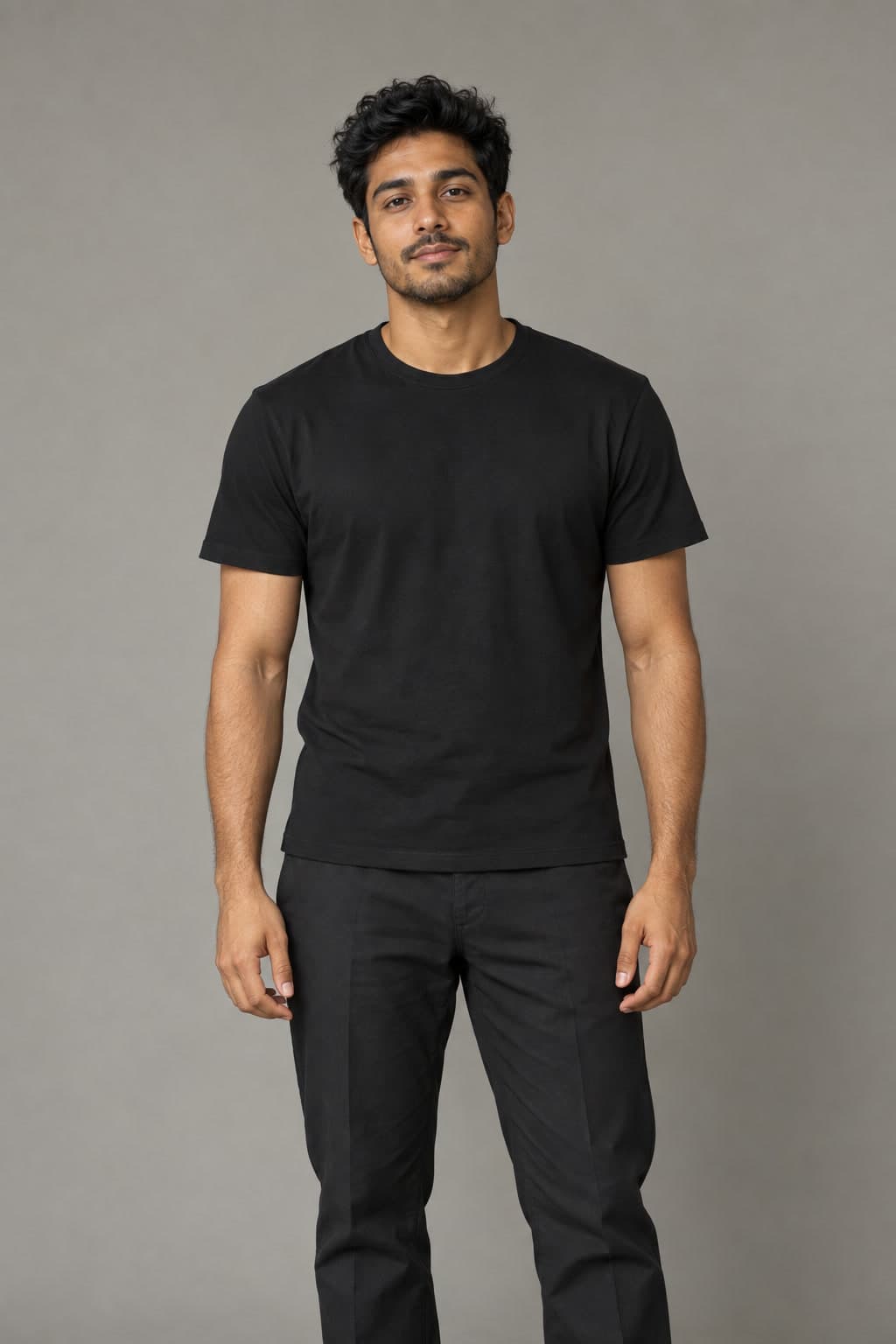
Fictional AI-generated subjects. This earlier widescreen output used the previous formation direction; compare it with the newer vertical demonstration.
| Setting | Earlier wide sample |
|---|---|
| Model | Pro / Seedance 2.0 |
| Quality | 720p |
| Length | 8 seconds |
| Frame | 16:9 landscape |
| Generation cost | 14 credits; review the quote before confirming |
One portrait, a new crowd scene
Upload the person you want at the center. RapDuo generates the surrounding adults, their movement and the scene. The selected preset supplies the performance direction, so you do not need to find a dance clip or write scene instructions.
| Workflow | Starting material | What guides the scene |
|---|---|---|
| RapDuo STORM II preset | One portrait of the lead | The selected preset generates a new crowd performance |
| Motion transfer | A motion-reference video and character references | The source video's choreography and camera timing |
Review the formation in motion
Review the opening, the widest view and the ending. Check that the lead remains distinct, faces do not merge into nearby dancers and the rows stay readable as the group moves. Synchronization, distant faces and body positions can vary.
The scene, movement and audio are newly generated. This preset does not include the released STORM II recording or reproduce the original choreography frame for frame. No reference video is required.
Download the finished MP4 from your account, play it with sound and check the frame before sharing. You can generate and download in a mobile browser. While the job is processing, follow its existing status in your account; the generation help page below covers failed or stalled jobs.
- If the lead becomes unclear, try a sharper portrait with a visible face, shoulders and clean outline.
- If dancers are cut off, compare your framing with the sample and try 16:9 for more space at the sides in the next take.
- Before another paid render, confirm that STORM II is still selected and review its model, frame and credit quote.
Calculate your video cost
- credits
- 14
- Pack purchase
- $9.99
- Complete videos
- 0
- Credits left
- 10
- Allocated cost per video
- Insufficient credits
Estimates use current studio settings and USD pack prices. Existing credits may cover your video. Taxes, if any, appear at checkout. Packs never expire; subscription credits follow their billing period.
Questions before you create
Is STORM 2 AI the same as STORM II AI?
On this page, both names refer to the same crowd-dance preset: one calm central lead with a coordinated formation moving behind them. Upload one portrait to create a new scene with original generated audio.
Does my character dance or stand still?
The preset is designed around a composed lead who stays in place while the background dancers move. Natural small movements can remain, so review the whole clip rather than expecting a perfectly frozen subject.
Do I need a photo of the whole group?
No. Upload one portrait for the lead. The formation is generated; this workflow does not individually cast a real group from separate photos.
Is a reference video required?
No. This preset generates new motion from your portrait. It is different from a motion-transfer tool that retains an uploaded video's choreography and camera timing.
Does the video include the original STORM II music?
No. The clip has original generated audio. The released recording and exact source choreography are not included.
Will every dancer move perfectly together?
The preset asks for coordinated movement, but exact synchronization is not guaranteed. Watch the entire formation and the lead through the full downloaded clip.
Which STORM II settings should I try first?
The page starts with Pro, 720p, 8 seconds and 9:16, as used for the vertical public sample. You can change the model, duration and frame before confirming the displayed credit quote.
Can I make the crowd dance video for TikTok or Reels?
Yes. Choose 9:16 for a vertical clip, upload your portrait and generate in a mobile browser. Download the finished MP4 and watch it before posting, especially the lead and dancers near the edges.
Can I try it before paying?
You can watch the public sample for free. The default 8-second Pro video at 720p costs 14 credits. Generation with your portrait requires paid credits, and other settings change the quote.